Best 5 Pattern Making And Pattern Grading Software

It is 11:40 pm on a Tuesday and the tech designer is still on her laptop. The factory in Tirupur needs the graded spec sheet for a size 2 to size 16 woven blouse by morning local time, and the base pattern lives in one tool, the grade rules in a spreadsheet, and the seam allowances in a PDF someone emailed in March. Every revision is a copy paste between three windows. This is what choosing the wrong pattern making and pattern grading software actually costs you. Not the license fee. The midnight reconciliation.
If you are evaluating tools, the question is not which one has the most features. It is which one removes the manual bridge between drafting, grading, and the tech pack your factory actually receives.
What is pattern making and pattern grading software?
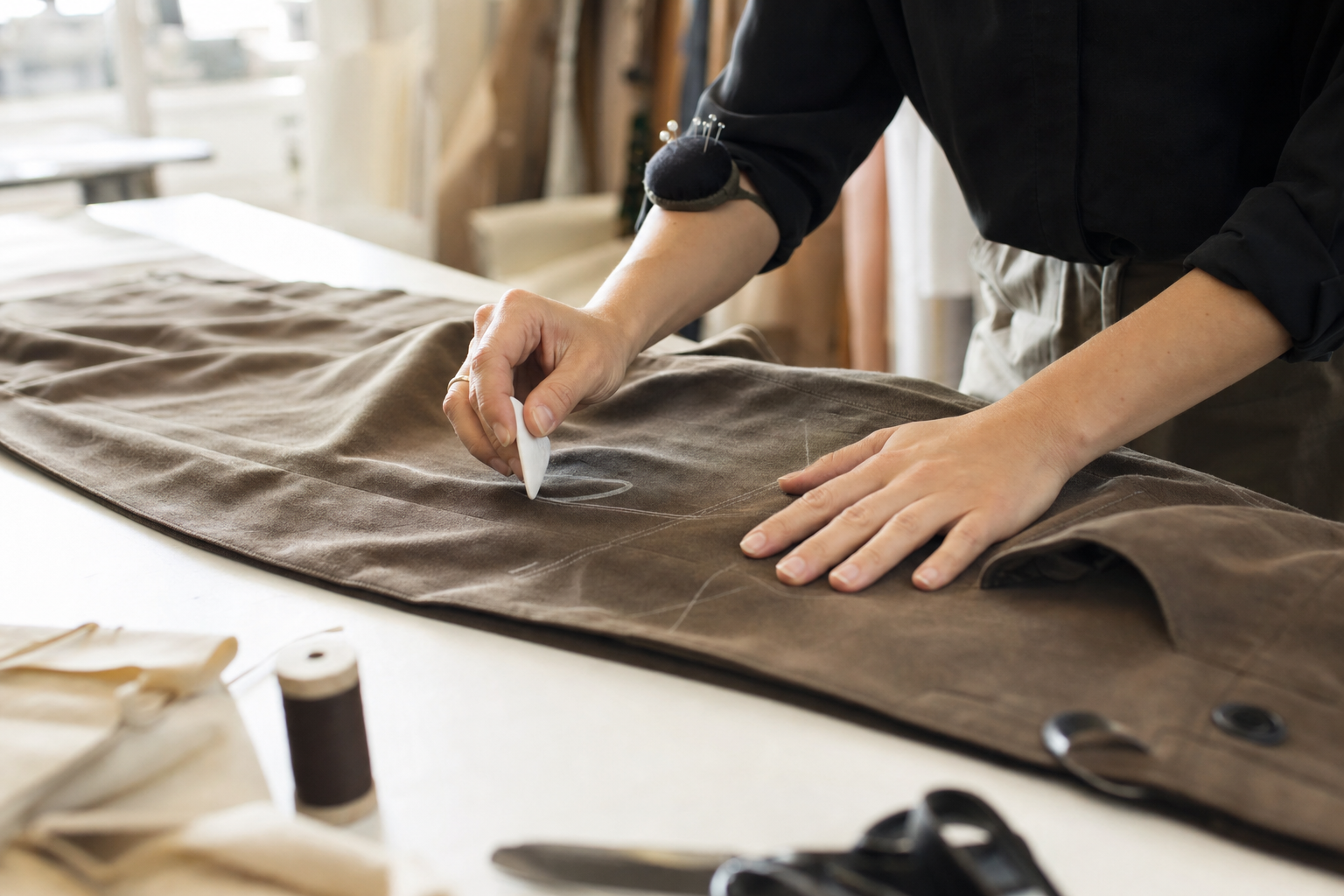
Pattern making is the technique of creating a blueprint of a garment based on a designer’s concept. It involves drafting, adjusting, and finalizing templates, often using paper materials, that define the shape, size, and structure of each clothing piece. Patterns can be made manually or digitally, depending on the tools used in the process. A well-made pattern ensures that fabric pieces fit together correctly, resulting in a garment that looks and functions as intended.
Pattern grading, on the other hand, is the process of adding increments (or decrements) to a base pattern to scale it across a size range. A size 8 base becomes a size 4, 6, 10, 12, 14 according to grade rules that govern how much each point on the pattern moves at each size break.
Pattern making and pattern grading software, then, is the category of digital tools that lets a brand draft those base patterns, apply grade rules across a size run, produce markers for cutting, and (in the better tools) push the resulting graded spec into the tech pack that goes to the factory. Some tools focus on the drafting and 3D simulation side. Others focus on the production handoff. The category boundary matters when you pick.
From the apparel go-lives I have sat through this year, the pattern is consistent. Brands do not lose money because their drafting software is bad. They lose money because the graded spec on the tech pack does not match the graded spec the patternmaker last saved, and nobody catches it until the first production run comes back with sleeves an inch off. That gap is the real category problem.
Why does pattern software matter for an apparel brand?
A brand running on paper patterns and spreadsheet grade rules can survive at 20 styles a season. At 80 styles a season, with wholesale buyers expecting size runs delivered on time, the math breaks. Here is what the right tool actually does for the operation:
- Reduces fabric waste by enabling precise pattern placement and automatic adjustments at the marker stage, which directly moves cost of goods.
- Cuts turnaround time by automating the grade across a size run instead of redrafting each size by hand.
- Improves fit consistency by ensuring the same grade rules apply to every style in a category, so a size 10 fits like a size 10 across the line.
- Closes the handoff between design, patternmaking, and the factory, which is where most production errors actually originate.
The brands that get this right treat pattern software as a production input, not a design toy. The brands that get it wrong treat it like Photoshop for sleeves.
What are the best 5 pattern making and pattern grading software tools?
Below are the five tools worth evaluating, ranked by how cleanly they fit into an apparel production workflow rather than by feature count. Each does something specific well. None of them does everything.
1. Uphance
Uphance is not a pattern drafting tool in the sense of drawing curves on screen. It is the product lifecycle management layer that sits between the patternmaker and the factory, which is where most brands actually bleed. It manages your products from ideation and design through material ordering, cutting, stitching, and sales.
Where Uphance earns its place on this list is tech pack generation and graded specification handling. You generate a detailed tech pack with sample images, properly annotated sketches, size specifications, and care instructions, and you send it to your manufacturer by email in a couple of clicks. The graded spec lives in the same record as the style, the BOM, and the production order, so when a patternmaker updates a size break, the factory is not working off a stale PDF.
This matters because of Breakpoint 1 in the 6 Breakpoints of Apparel Operations framework: product data starts fragmenting. The moment your size specs live in one tool, your sketches in another, and your trims in a spreadsheet, you have already lost the line.
Features
- Tech pack generation with annotated sketches
- Graded specification handling tied to the style record
- Sketch annotation
- Team collaboration across design, production, and merchandising
Reasons to use it
- Easy to learn for tech designers who are not CAD specialists
- Competitive pricing for a brand in the $5M to $100M range
- Round-the-clock support
- Closes the gap between the pattern room and the factory floor
2. Modaris by Lectra
Lectra is one of the largest software vendors serving the fashion industry, and Modaris is its flagship pattern CAD tool. With Modaris you create a new pattern from scratch or develop from an existing one, which means digital patterns for production rather than concept sketches. The grading engine is built for industrial scale, which is what separates it from desktop tools used by independent designers.
If you also need 3D prototyping, Modaris handles that without forcing you into a separate tool. Version control is built in, which matters when a single style goes through eight rounds of fit before it is approved.
Features
- 3D and 2D patternmaking in one environment
- Version control on every pattern revision
- Industrial-scale grading
Reasons to use it
- Reusable templates speed up drafting on style families
- Grading engine handles long size runs without manual override on every point
- Deep add-on ecosystem for marker making and cutting room integration
- 24/7 vendor support
Where Modaris pulls ahead: a denim brand running 40 wash variants on the same base block can lock the block, version the grade, and stop the patternmaker from having to redraft from zero every season.
3. CLO
Most designers know CLO for 3D garment simulation, but it also handles 2D pattern drafting, and the two are linked. You draft flat, simulate on an avatar, adjust the flat, and the 3D updates. For brands that approve fit on screen before cutting first samples, this collapses a week of physical sampling into a day of digital iteration.
Seam Tape Extension aligns the start and end of a seam correctly on patterns. Pin Improvement duplicates pins symmetrically. These sound small. On a tailored jacket with 30 pieces, they save hours.
Features
- Real-time 3D fabric visualization
- 3D animation for fit and movement review
- Pattern drafter
- AI pose generator
Reasons to use it
- Realistic fur, wrinkle, and trim simulation for designs that need it
- Large library of design assets
- Cuts physical sampling rounds for brands where fit approval is the slowest gate
CLO is strongest for design-led brands where the bottleneck is fit approval and weakest for brands whose bottleneck is the graded spec going clean to a factory. Pick it for the former, not the latter.
4. TukaTech
TukaTech is a fashion CAD platform that covers digital pattern creation, custom grade rules, and marker making. It ships with pre-made pattern templates you can customize, which gets a new tech designer productive in days rather than weeks. The flexibility to draft your own grade rules matters when your fit philosophy does not match the industry standard size charts, which is true for almost every contemporary and plus-size brand.
TukaTech also bundles marker making tools that save time at the cut planning stage, which is where fabric yield is won or lost.
Features
- Computer-aided design for patterns
- Multi-language support for global production teams
- Digital pattern creation with custom templates
Reasons to use it
- User-friendly interface for teams without deep CAD background
- Custom grade rules rather than only library rules
- Marker making built in
- Multi-language support for brands with patternmakers in one country and factories in another
5. Optitex
Optitex is a 2D and 3D pattern platform that supports real-time collaboration across a team. You can save and share patterns in multiple formats, grade base patterns with a few clicks, and run automated nesting for marker yield. Optitex also offers a 3D plugin for Adobe Illustrator, which keeps designers in the tool they already use while the patternmakers work in Optitex itself.
Features
- 3D design plugin for Adobe Illustrator
- Virtual sample creation
- Automated nesting for patterns
Reasons to use it
- Runs on both Mac and Windows
- Real-time team collaboration on a single pattern
- Fabric and texture customization for visual review
Optitex sits closest to Modaris in capability but tends to land better with mid-market brands that want collaboration features without committing to a full Lectra footprint.
How do you choose the right pattern software for your needs?
There is no single best tool. There is the tool that fits your bottleneck. Work through these four filters in order:
Budget. A freelance patternmaker does not buy Modaris. A 60-style-per-season wholesale brand does not run on free tools. Match the spend to the throughput.
Type of business. Small brands, large manufacturers, and freelance designers need different things. A contemporary womenswear brand approving fit on screen needs CLO. A denim brand grading 12 sizes across 40 SKUs needs Modaris or TukaTech. A brand whose problem is the spec sheet arriving at the factory wrong needs the PLM layer first, not a new CAD tool.
Ease of use. Count the training hours. If your tech designer is the only person who can run the tool, you have a single point of failure on every production cycle.
Integration. This is the one most evaluations skip. Where does the graded spec end up after it is finalized? If the answer is a PDF emailed to the factory, you have not solved the problem. You have only moved it. The pattern tool needs to connect to wherever your style records, BOMs, and production orders live, or you are still going to be reconciling at midnight.
When does pattern software stop being enough?
There is a ceiling on what a CAD tool can do for you. Once you cross roughly 50 active styles in production at the same time, your problem is no longer drafting speed. It is data drift. The patternmaker has version 4 of the base block. The tech designer is annotating version 3. The factory received version 2 last Friday. Everyone is working hard. Nobody is working off the same record.
This is Breakpoint 1 in action: product data starts fragmenting. The drafting tool, no matter how good, is not the layer that fixes it. The layer that fixes it is the one that holds the style record, the graded spec, the BOM, and the tech pack in a single place that the factory reads from directly. Without that layer, buying better CAD just gives you faster ways to produce wrong specs.
What this means for an apparel operations team
If you are an ops lead at a $5M to $100M apparel brand, here is how to read this list.
Do not start the evaluation at the CAD tool. Start at the handoff. Walk one style from sketch to factory PO and ask where the spec sheet lives at each stage. If the answer changes more than twice, your problem is not drafting software. It is the absence of a system of record that the patternmaker, the tech designer, the production manager, and the factory are all reading from.
Once that system of record exists, pick the CAD tool that fits your bottleneck. Modaris and TukaTech for brands grading at scale. CLO for brands where fit approval is the slowest gate. Optitex for brands that want collaboration on the pattern itself. Uphance for the layer underneath all of them, where the graded spec, the tech pack, and the production order finally stop drifting apart.
The operational test is simple. At 8 am on a Wednesday, can your factory pull the latest graded spec for any active style without emailing your tech designer? If yes, your stack works. If no, the next license you buy should fix that, not add another tool to the chain.
Frequently asked questions
Where this fits in the Uphance platform
Shubham writes about evaluating ERP fit, assessing operational complexity, and how apparel brands can tell whether their current systems are helping or holding them back. As a Solutions Consultant at Uphance, he runs discovery conversations and fit assessments for apparel brands moving off patchwork stacks of PLM, PIM, inventory, and B2B tools. His articles cover ERP selection, vendor RFPs, comparison frameworks, and the operational signals that tell a brand it has outgrown spreadsheets and point solutions. He focuses on how mid-market apparel teams evaluate connected platforms against the cost of staying with what they have.
Ronnell writes about onboarding, adoption, and operational readiness for apparel brands moving to a connected platform. His articles focus on what it takes to go live with confidence and sustain strong execution across channels, warehouses, and teams. As Head of Customer Success and Onboarding at Uphance, he leads the implementation phases that turn a software signature into running operations. He writes about kickoff scoping, data migration, sandbox cutover, change management patterns, and the stakeholder alignment work that determines whether a connected platform actually changes how a brand runs, or just adds another login to the existing chaos.